
Entities
The Entities view displays all the entities imported from the data source.
Entities are the individual items in your data, such as a telephone number, vehicle number plate, or bank account number. For example, if you import a spreadsheet of phone calls, the entities are the phone numbers. The Entities view shows you all the entities in your data, and any attributes that you have attributed to those entities.
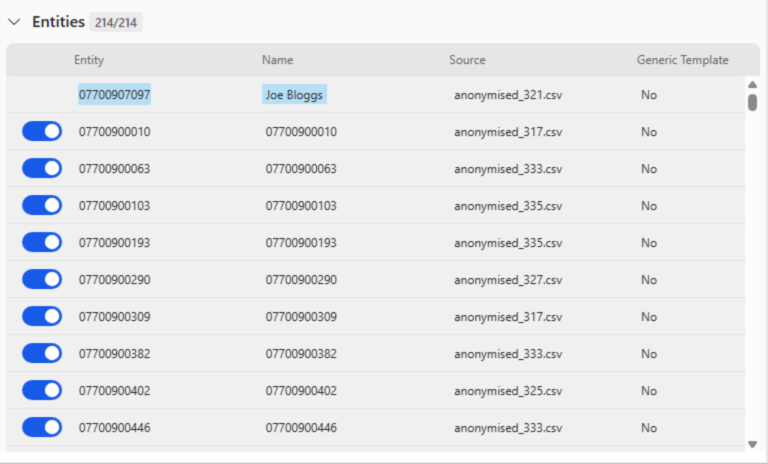
The numbers next to the Entities tab show you both the total number of entities in your data, and the number of entities that are currently visible. You can select whether or not to include an entity in your analysis by toggling the icon next to each entity. This is useful when you want to focus on a subset of your data, or when you want to exclude entities that are not relevant to your analysis. For example, if you are analyzing phone calls, you might want to exclude phone numbers that are not relevant to your investigation.