Attribution example
You can create a file with your attributes already defined and import it directly into Insights.
When you import a file of pre-defined attributes into Insights, it is important to maintain the correct format, spelling and capitalization so that Insights is able to recognize your data.
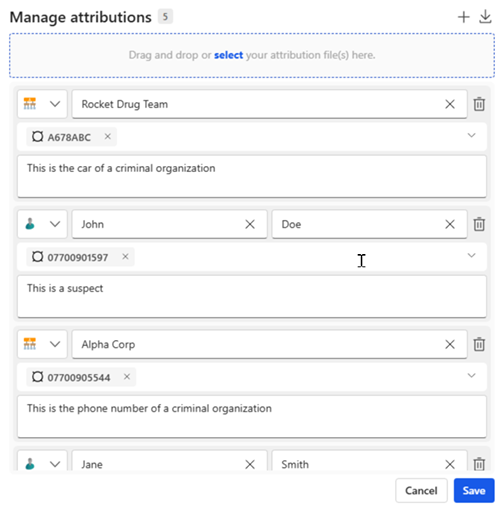
Here is an example of a CSV file, and the resulting Manage attributions pane when the file is imported.