
Administration Console: Highlight Queries
The Highlight Queries tab provides a visual editor for creating and managing the highlight queries that surface important connections for analysts in i2 Explore for iBase.
For a detailed explanation of highlight query concepts, structure, and configuration, see Highlight Queries.
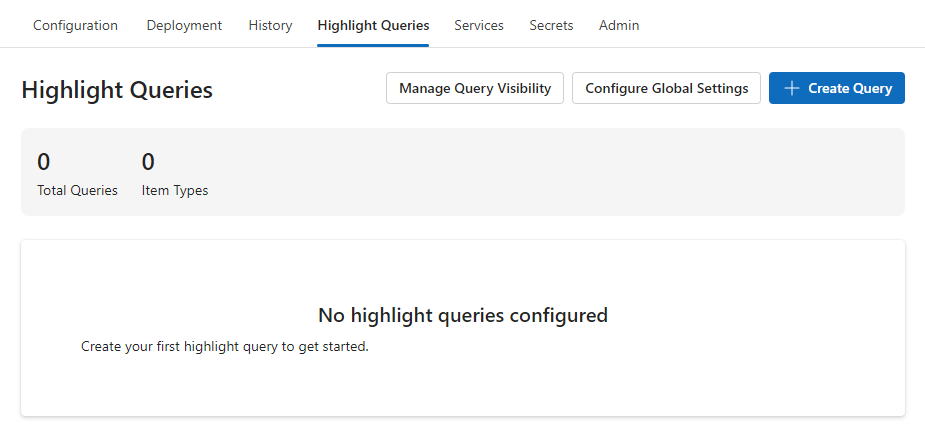
You can use this tab to create, edit, reorder, and delete highlight queries without editing XML files directly. The editor validates your changes against the schema for the connected iBase database and highlights any errors before you save. You can also download and upload the raw XML configuration if you need to work with it outside the Administration Console.
Note: You must deploy at least once before you can configure highlight queries, because the deployment generates the schema file that the editor uses for validation.