
Creating a chart
A new chart is based on a template. When you create a chart, you can choose between the standard template and other templates.
About this task
The standard template contains a wide range of item types and attribute classes, and is suitable for general use. When you start Analyst's Notebook, it automatically creates a blank chart that is based on the standard template. To make the template more suitable for your needs, you can customize it.
Other templates can provide a smaller or more specialized set of item types and attribute classes that are appropriate to a specific domain. To ensure that a specific logo or box of standard text is present on charts, you can use a template that includes them as items on the charting surface.
Procedure
-
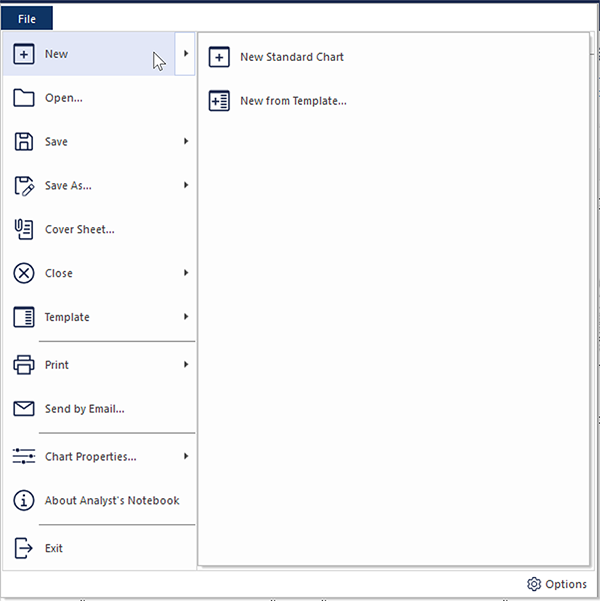
To create a chart that is based on the standard template, click .
-
To create a chart that is based on a different template:
-
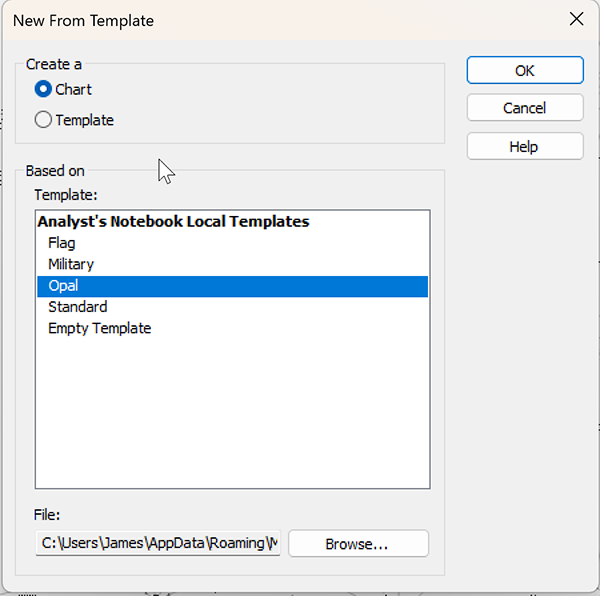
In the Create a area, click Chart.
-
In the Create a area, click Chart.